Car Control School by sadd3j
The main focus of this first level school is car control, but since it was a club day for the Toronto Subaru Club (TSC), there was a little more focus on performance, autocross, and a subaru specific info session too.
Saturday morning, up at 6:45.. out the door at 7:20 or so. Got to the Brampton Powerade Centre at 8am. The first hour was a fairly basic talk about the car.. proper seating position. It was pretty useful, but probably could have covered the same info in half the time. Every point was emphasized with a story of someone getting smoked by not doing such-and-such.
After that there driving/classroom/driving/classroom/autocross. The driving had three main exercises, one being a perfect circle where you learn how to control the turn using gas instead of the wheel. Another was driving straight at a cone as fast as you can and then the instructor saying left or right at the last minute (this one was nuts).. and another was a slalom where you learn to turn smoothly and look really far ahead. The autocross was basically a whole course setup and we got to just drive it like mad (for every exercise you always had an instructor in the car, who’d tell you how to improve)
Here are the things I found useful from the setup part, some I knew before.. but still useful:
- your seat should be almost 90deg upright.. as much of your back should be in contact with the chair as possible.
- your arms (with hands at 9 and 3 on the steering wheel) should be under your heart to keep blood flowing to them.
- headrest should be behind the main part of your head.. your head doesnt need to rest on it.. but it should be there in case of getting rearended so there’s something to “catch” your head.
- side-view mirrors, I thought I was already pretty good with having my mirrors set pretty wide (so I cant see my own car).. but after the school I set them really really wide now (so that as a car leaves your rear view mirror, it enters the side view, when it leaves side view, its basically in your peripheral vision).. after getting used to it, its really a lot more useful for changing lanes, almost no blind spot now.
- with your foot on the dead pedal (the leftmost footrest thing), you should be able to push yourself pretty hard into the seat. while driving the autocross course, you REALLY need it.. you should never need to use your arms in a turn to keep your body in the seat.
- while sitting, if you stretch your arm straight out.. the steering wheel should rest just under your wrist.. you should have a 120degree angle in your arm when holding the wheel at 9 and 3.
I took some photos.. but was dumb and didn’t use the AI servo focusing.. so a lot are back focused.. Either that or maybe my camera has some mad back-focusing problem. a little worried now, want to test it out. Will upload a couple photos which came out tonight.
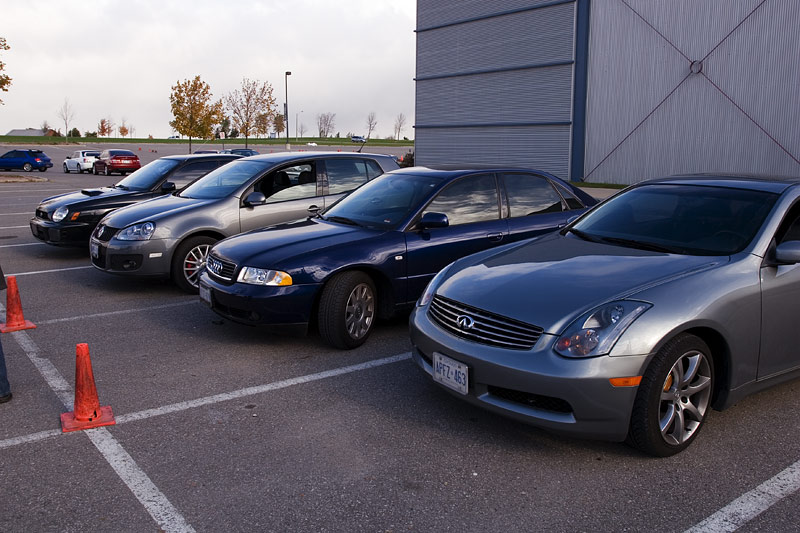
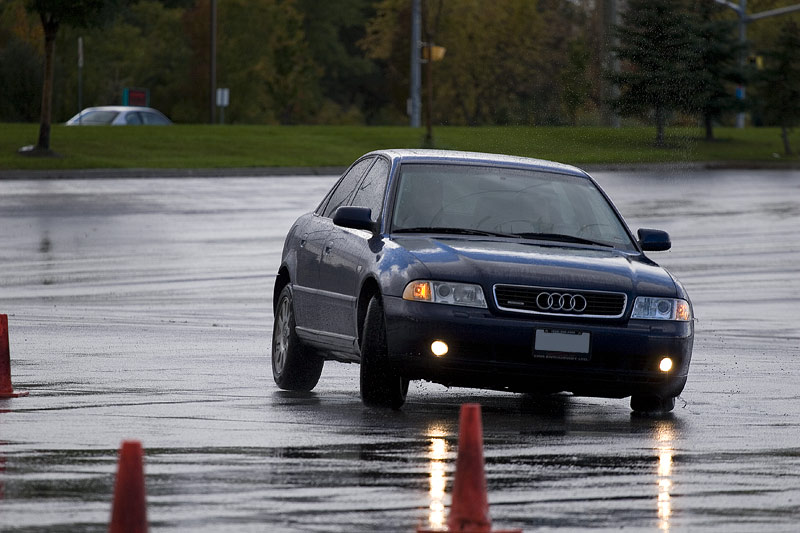
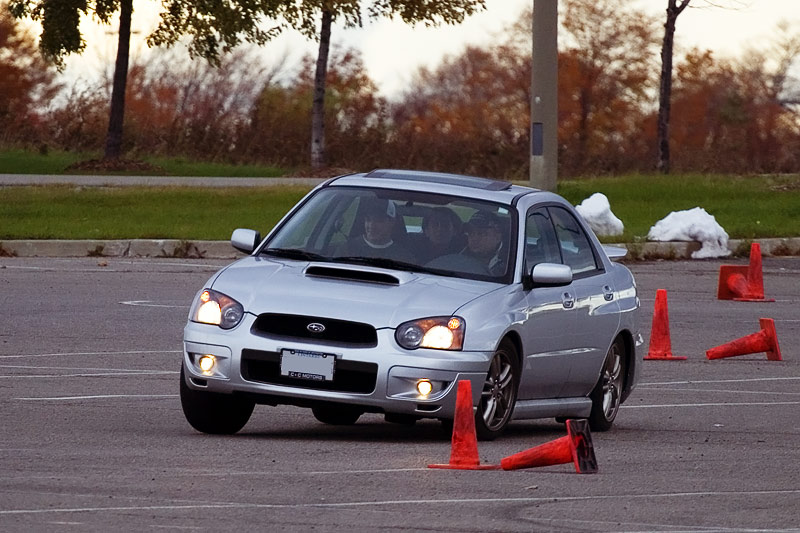
Too lazy to noise ninja them.. the third is mad noisy.
1 commentBattle damage by sadd3j
So it arrived today, my paint repair kit from www.paintscratch.com, even matched to my VIN number! The two rock chips look similar, in similar places on the front edge of each of my rear wheel fenders, you can see the size compared to the water/dirt spots.. they’re really hard to notice but it bugs me none the less.
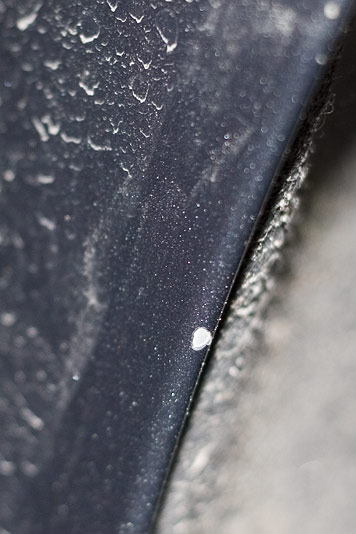
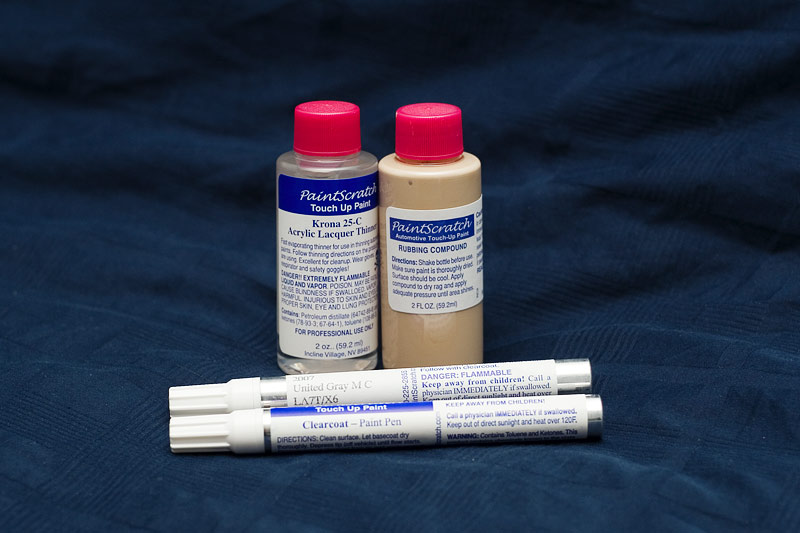
My fear of course is making it worse, but I’m feeling pretty confident and the ability to clear out haze etc. so I’ll probably try this out on the weekend 🙂
$44.06
No comments
How to use IImageBrowser and LightBox by sadd3j

Ok, here’s how to upload/use images in your posts:
*NOTE* must disable “visual rich editor” in your profile, it’s at the bottom
1. Upload an image with IImage Browser, please stick to your own directory, feel free to make your own structure within.
2. Create a thumbnail of the image with IImage Browser.
3. Click on the thumbnail, select: “Lightbox JSâ€.
4. Add a description, this will become the caption of the image.
5. Hit “Get the code†and “Add it to the post!â€, done!
Making galleries or “sets”.
for each image you want in the set, add [setname] to the rel tag. like..
rel="lightbox[setname]"
Now.. I figured out how to make a gallery.. just add all the images like normal through IImageBrowser.. and get rid of the img src code.. so it looks like (a href= … )(/a) and then that image will disappear.. so you can have a ton of those and just one with an actual thumbnail which will lead to the gallery.
1 comment